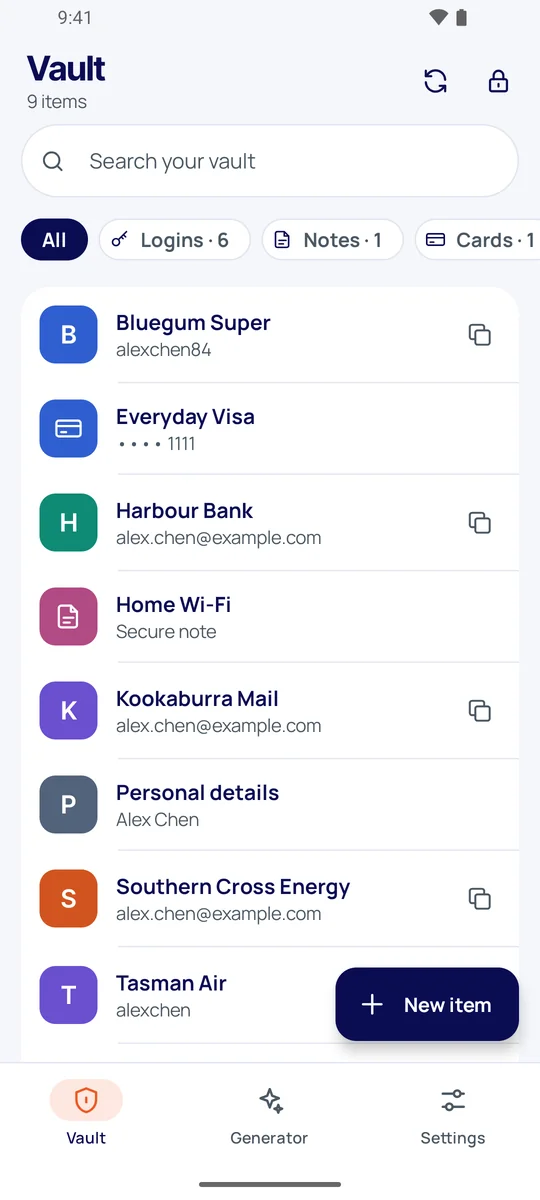
Autofill in apps and browsers
Pick a login from the keyboard or the form and it fills in. Logins are matched to the app's signing certificate or the site's domain, never a lookalike.

BinaryIT Safe keeps your logins, cards and notes end-to-end encrypted, fills them into apps and browsers, and tells you when a password has leaked. We keep only what we can't read.
Free during early access · Android 10 and later
Fast where you need it, strict where it matters: your passwords are only ever unlocked on your phone.
Pick a login from the keyboard or the form and it fills in. Logins are matched to the app's signing certificate or the site's domain, never a lookalike.
Creating an account? Tap "Generate strong password" and both password fields are filled with a strong, unique one.
BinaryIT Safe offers to save each new login, even while it's locked. It joins your vault the next time you unlock.
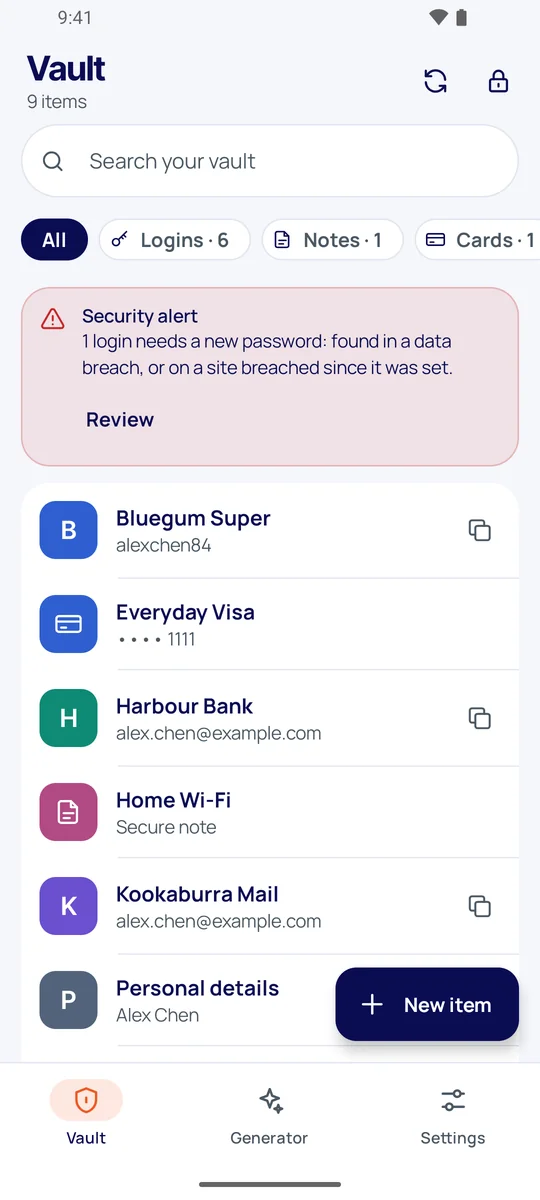
Every password is checked against known breaches, and you're told when a site you use is breached after you set your password.
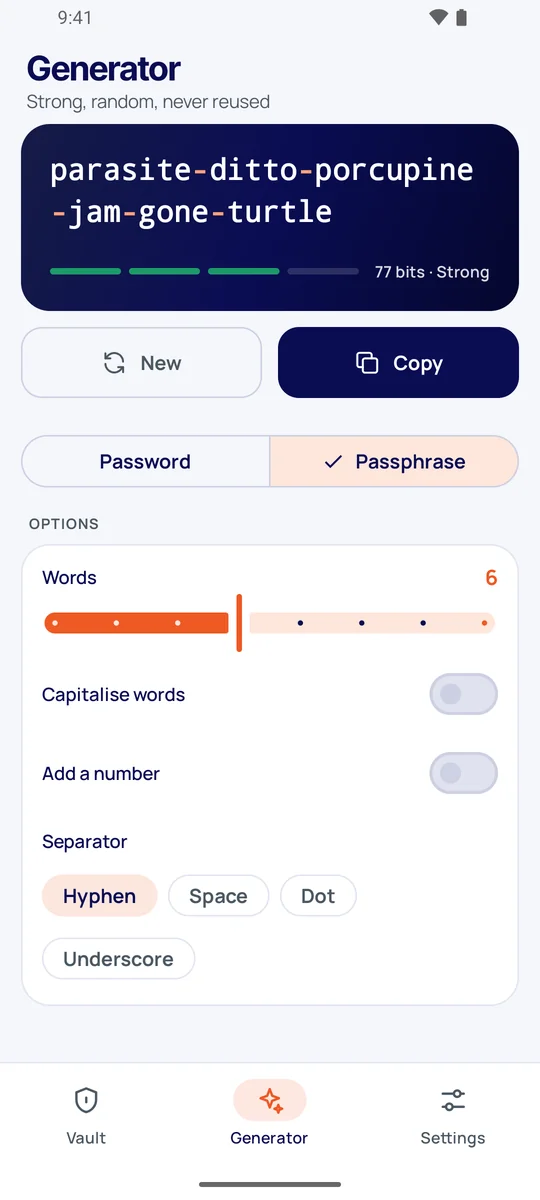
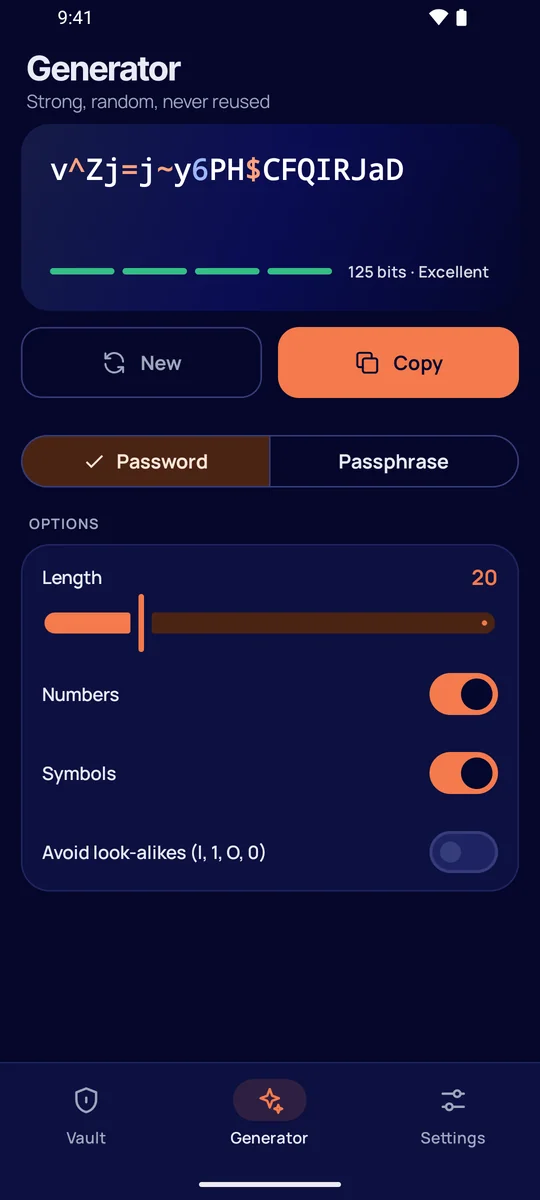
Random passwords up to 64 characters, or passphrases that are easy to type and hard to guess, with a strength meter.
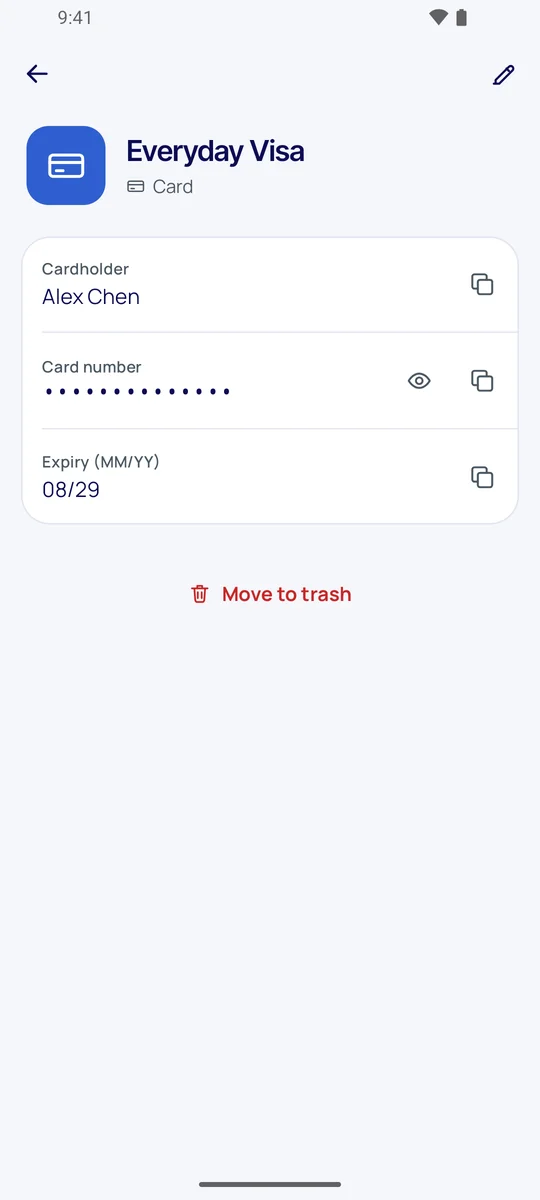
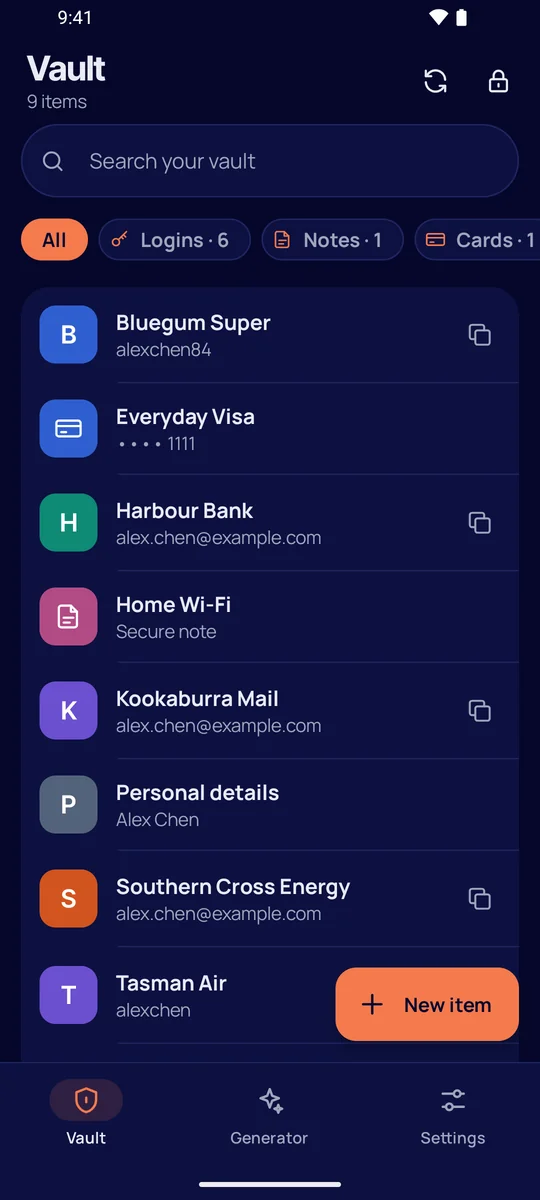
Payment cards, secure notes and identity details live in the same encrypted vault as your logins.
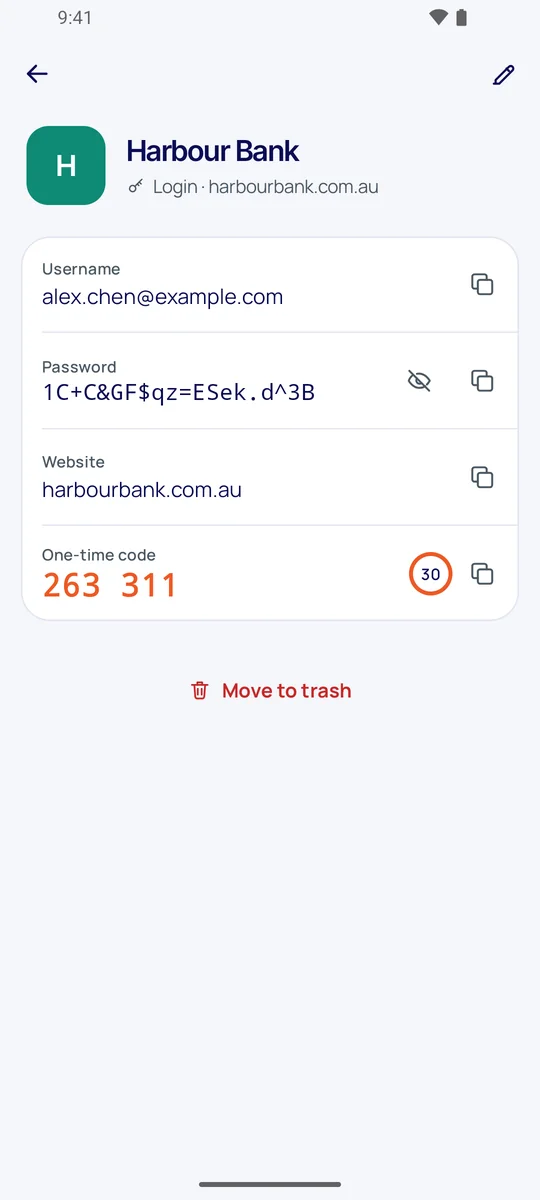
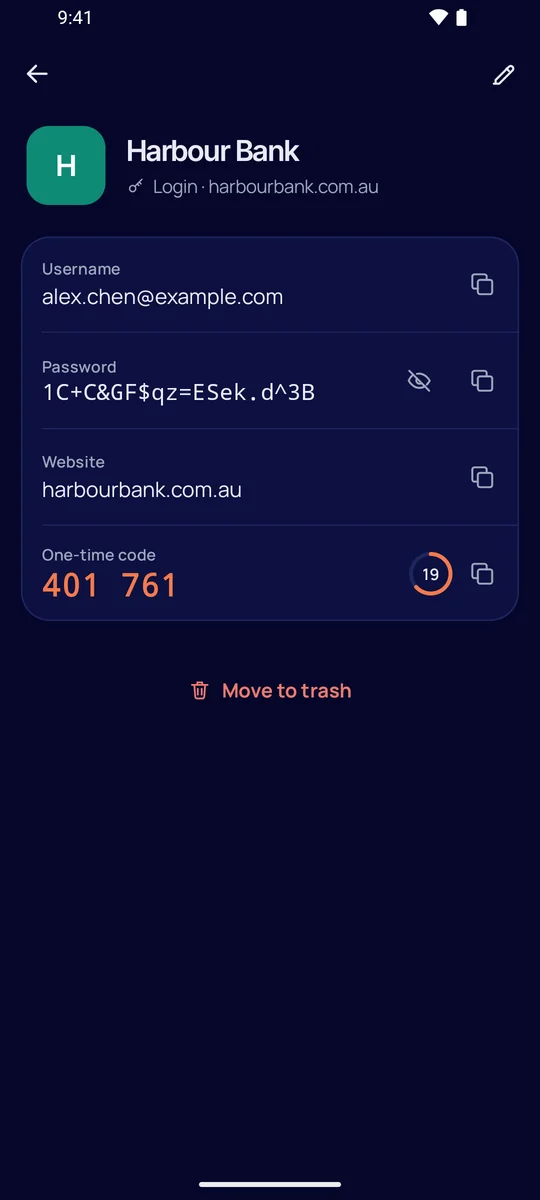
Keep two-factor codes with the login they belong to, and copy them with a tap.
Open your vault with a touch. It locks again as soon as you leave the app, and copied passwords clear from the clipboard.
See each phone signed in to your account. Remove a lost one and it can't sync or sign in again.
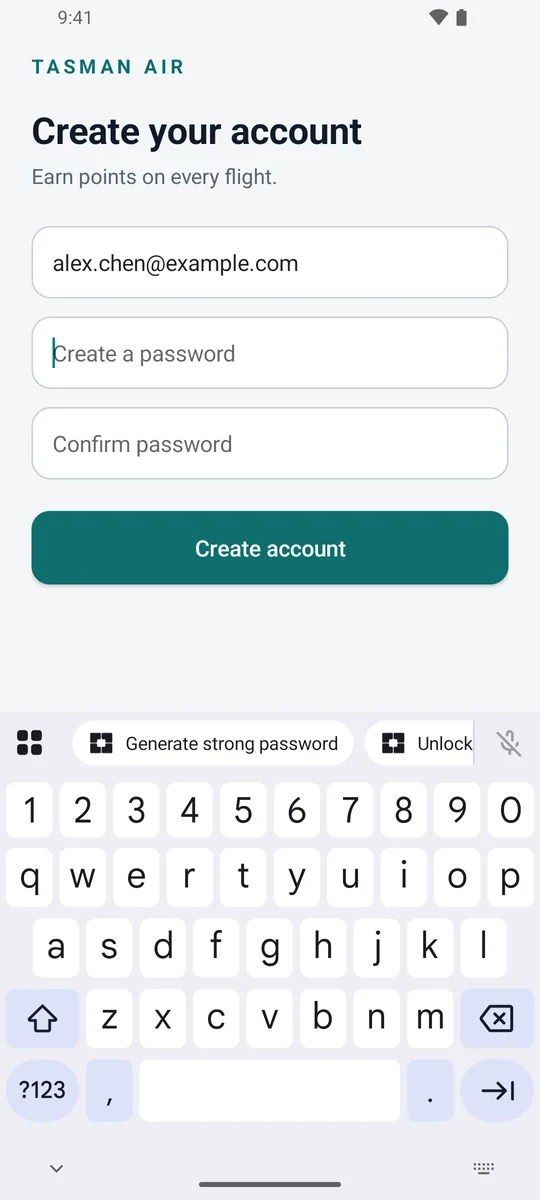
No more reusing the same password because it's easier. BinaryIT Safe spots a sign-up form and offers a new one right where you're typing.
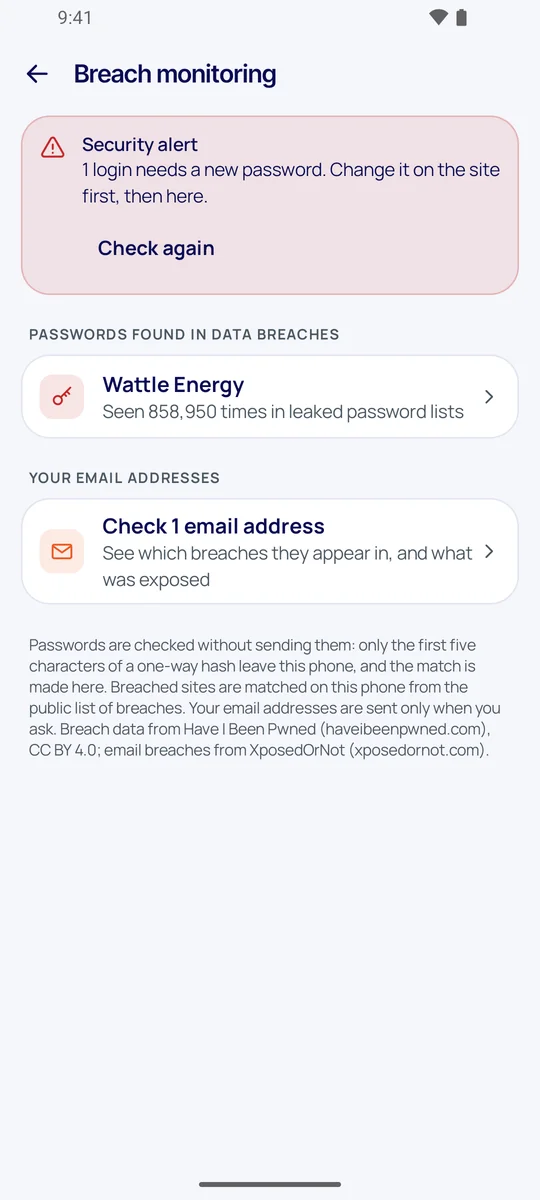
Attackers try leaked passwords first. BinaryIT Safe checks yours against more than a billion of them, and against the list of breached sites.
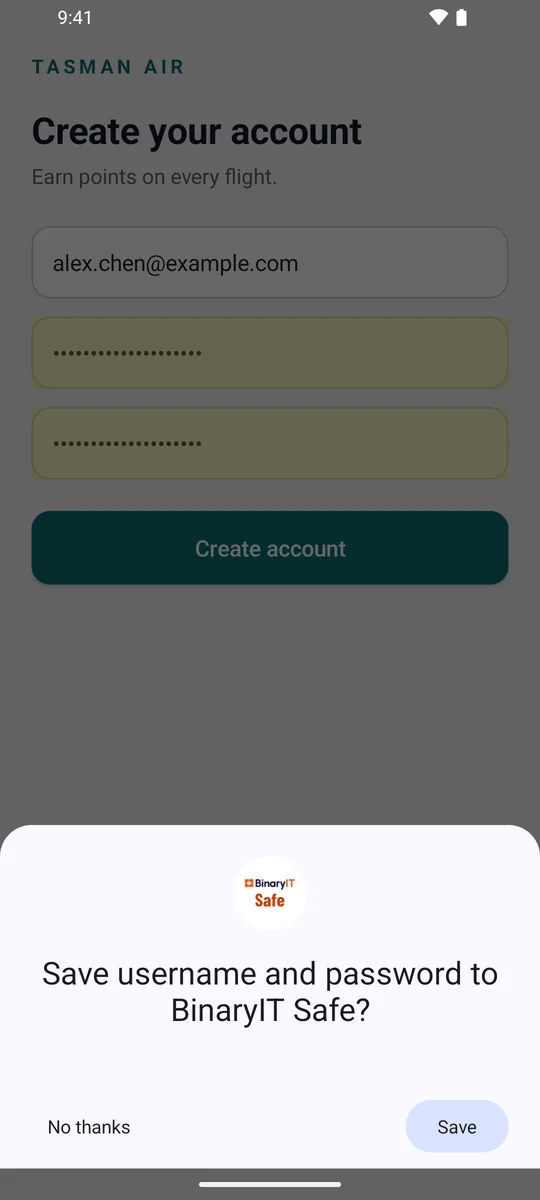
Set BinaryIT Safe as your phone's password manager and it's there whenever you sign in or sign up, in apps and in your browser.
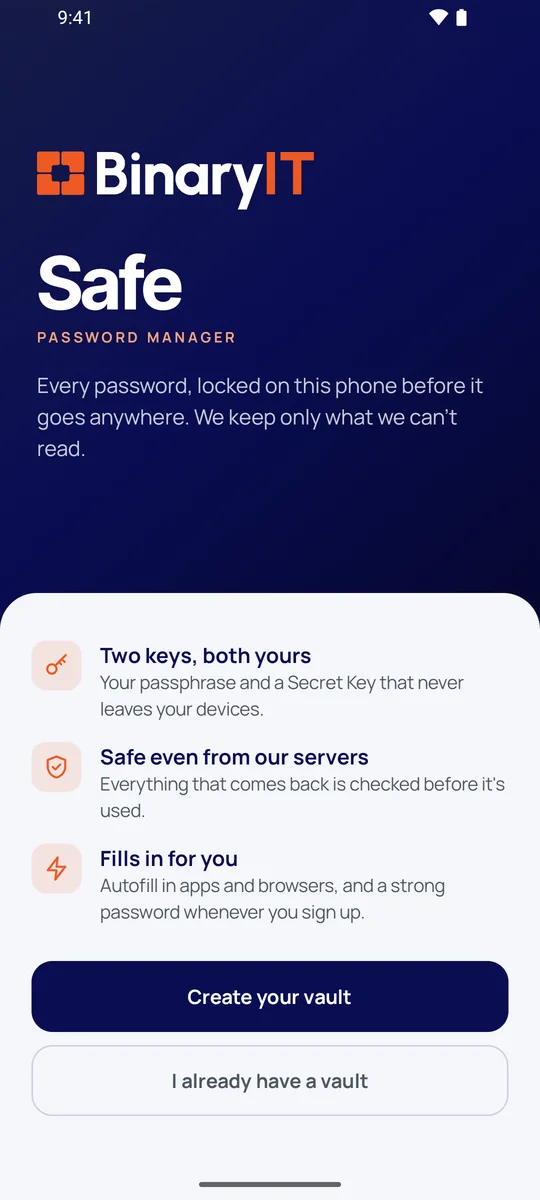
Everything is encrypted on your phone, with keys made from two secrets only you hold. What reaches our servers is ciphertext.
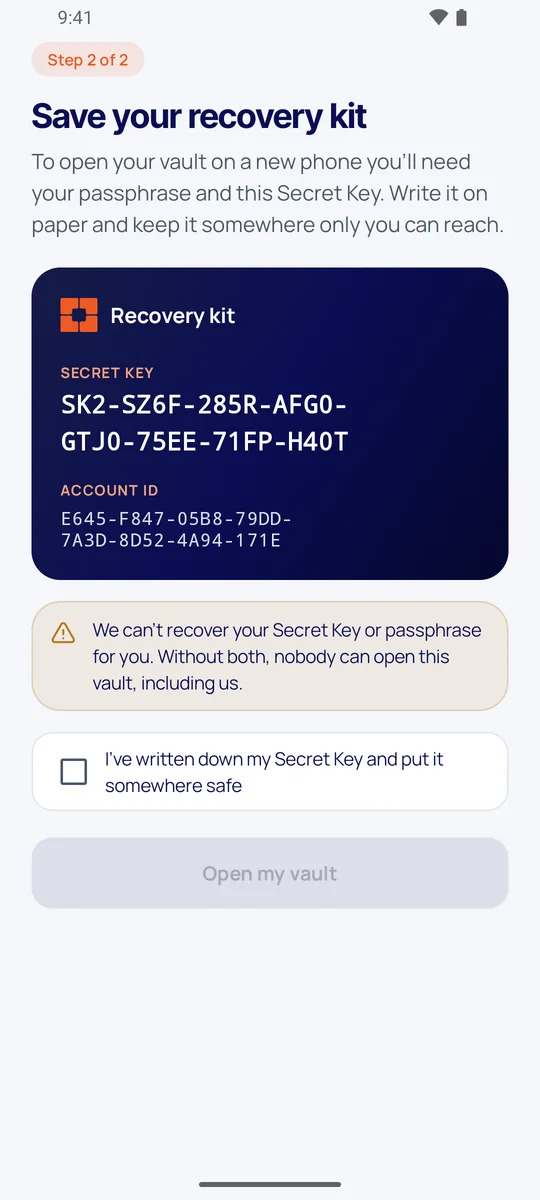
Your keys need your passphrase and a 128-bit Secret Key that stays on your devices and your recovery kit. A stolen copy of our database is useless without both.
BinaryIT Safe signs in with OPAQUE, so the server never receives your passphrase or anything it could crack, not even when you log in.
Argon2id makes every passphrase guess cost memory and time, so trying millions of them isn't practical.
Each item is one sealed envelope, bound to its vault, version and purpose. Nothing can be moved between items or swapped for an older copy unnoticed.
Every device on your account is added to a signed, hash-chained log. A device the server slips in, or one you removed, is refused by your phones.
Your phone pins the latest state of your vault. A server that hides an item, brings back a deleted one or serves an old copy is caught.
A password manager asks for a lot of trust. Here's exactly what's on our side.
From Google Play, on any phone with Android 10 or later.
Then save your recovery kit with its Secret Key. You'll need both on a new phone, and we can't reset them.
Make BinaryIT Safe your phone's password manager, and it starts saving logins as you sign in.
We can't reset it, and nobody else can either: that's what keeps your vault private. Choose one you'll remember (the app can suggest one), and keep your recovery kit somewhere safe.
A random 128-bit key made on your phone when you create your vault. It's combined with your passphrase to make your encryption keys, so even a weak passphrase can't be guessed from a stolen copy of our database. It's on your recovery kit; you'll need it to set up a new phone.
Saving only puts something new into your vault, so it can wait safely on your phone until you next unlock. Filling takes a password out of your vault, and that only happens after you've unlocked it, with your passphrase or fingerprint.
Your encrypted vault is stored in Sydney, Australia. It's also kept, encrypted, on your phone.
Yes. BinaryIT Safe is free during early access, with no ads and no tracking.
Not yet. BinaryIT Safe is on Android first; iPhone is planned.
Not yet. For now, BinaryIT Safe offers to save each login as you sign in, so your vault fills up as you go.
The design follows current research on attacks against password managers, and our own test suite runs those attacks against the app. An independent review of the cryptography is planned.

Free during early access. No ads, no tracking, and nothing we can read.
Get it onGoogle Play